
audition
This is an old revision of the document!
Audition
Audition is the Adobe audio recorder/editor. It is fast, powerful and has many more features than Audacity. It may seem intimidating at first, but once you get used to it, it is much better than Audacity. This should be the preferred editor.
How to use Audition for Digitizing
- Open Audacity

- Open an new Audio File
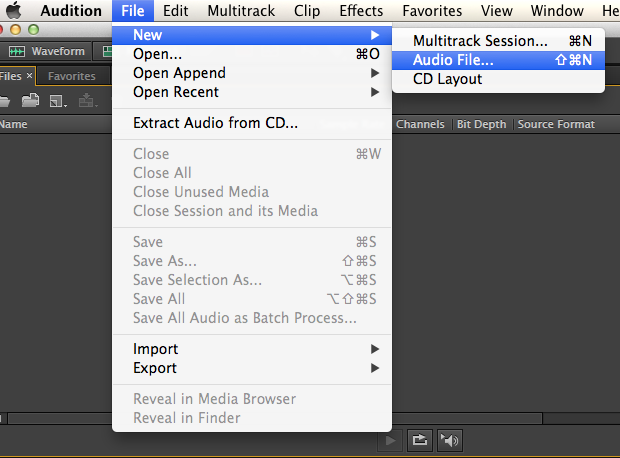
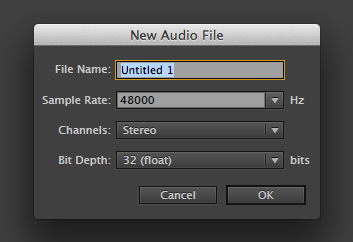
- Give the file a name
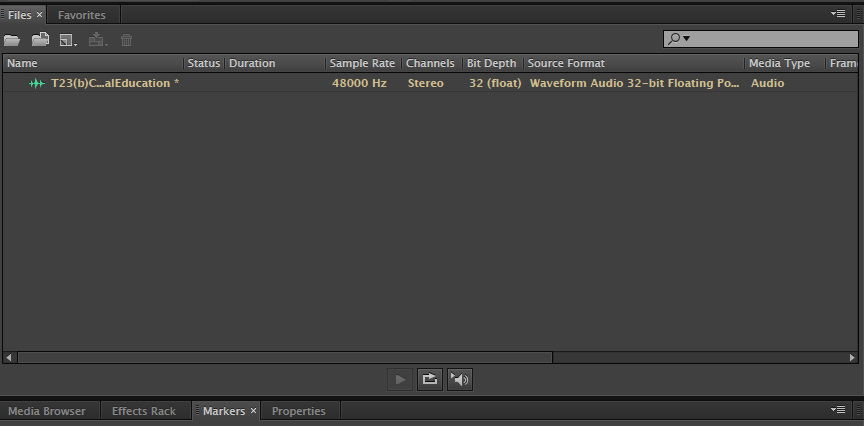
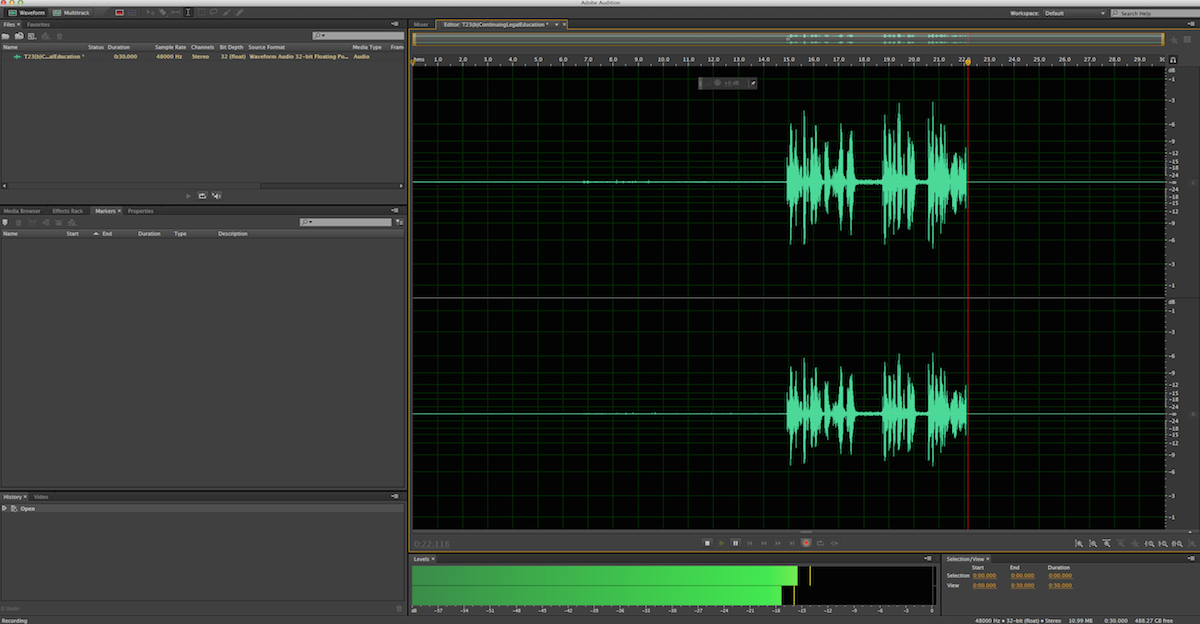
- You will then see the file with the name you gave it in the Files window in the upper left
- Make sure the Editor window is open on the right.
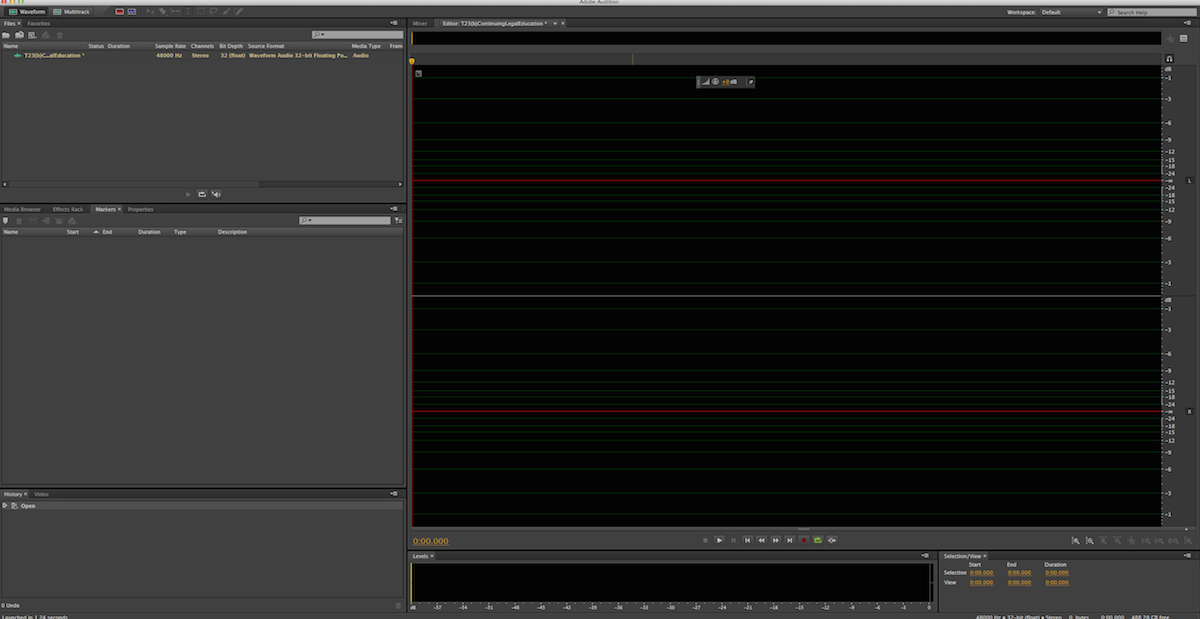
- Hit the Record button at the bottom of the editor window
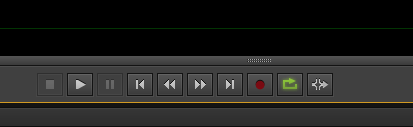
- Hit Play on the deck you are using and voila,you will see the magical sound waves
audition.1404406900.txt.gz · Last modified: 2019/11/19 18:47 (external edit)
Except where otherwise noted, content on this wiki is licensed under the following license: CC Attribution-Share Alike 4.0 International


